
Sunrise, sunset & world time
World clock with
real-time sunrise & sunset animation
Watch the sun move with each city’s sunrise and sunset. Add widgets to keep as many cities as you like in view.
Subscribe on iPhone and get the Mac app at no extra charge.
Planned for the Mac launch with the same Apple Account.
- Los Angeles —
- New York —
- London —
- Tokyo —
Weather on iPhone
Weather & temperature at a glance.
In the weather-enabled iPhone version, see the current conditions and temperature for your chosen cities alongside the time in the app and on your Home Screen widgets.
See the weather move
The sky on each clock face changes with the city’s current conditions.
-
ClearAn open sky with the sun or moon.
-
CloudyLight clouds drift across the dial.
-
RainFine drops fall in the same direction.
-
SnowFlakes sway from side to side as they fall.
-
StormRain falls faster and at a sharper angle.
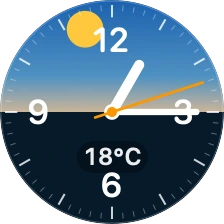
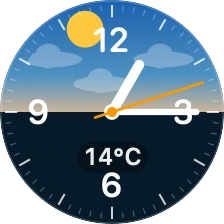
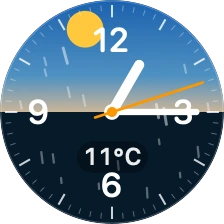
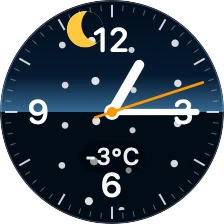
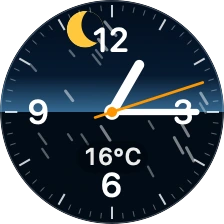
Rendered using the app’s clock face with sample conditions.
Read the temperature on the dial
The city’s current temperature appears near the bottom of its clock face. Choose Celsius or Fahrenheit.
Turn on what you want to see
Weather effects and temperature are off by default.
- Open Edit cities in the app and find Weather and temperature.
- Switch on Weather effects, Show temperature, or both.
- Choose a temperature unit if you need one, then tap Save. Your choices apply to the app and all its widgets.
Data from Apple Weather. The app requests weather about every 30 minutes and shows the last reading between updates. iOS controls widget refresh times.
Interactive demo
One moment.
Four different skies.
Move through the day to watch four cities change together. Pick another date to compare the hours of daylight across seasons.
-
Los Angeles——
-
New York——
-
London——
-
Tokyo——
The bars show one UTC day. Sunrise and sunset are calculated for the displayed local date. The sun and moon show progress through day and night.
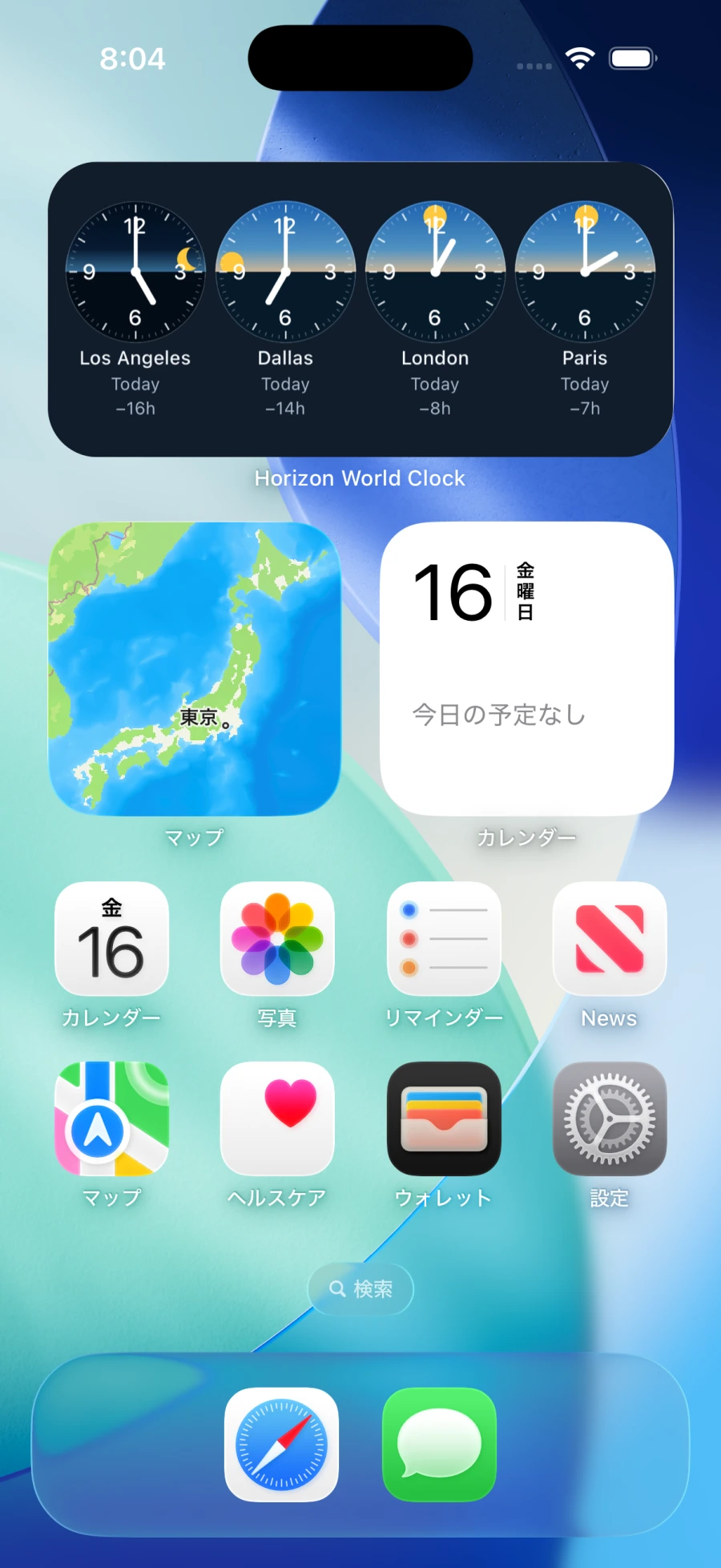
iPhone app & widgets
Your cities.
One glance.
Keep family, teammates, and your next destination in view. Pick from 247 cities and regions, then add widgets to see the local time and daylight in more places at once.
- A different set on each widget
- Each widget shows four cities. Add separate groups for work, family, or travel.
- Follow the changing seasons
- Sunrise and sunset follow the city and date. Use the in-app motion preview to explore how the day changes with the seasons.
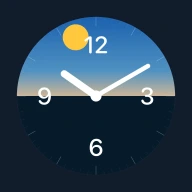
One monthly plan for iPhone and Mac.
The current app is free to download and includes a 7-day trial of all features.
Monthly plan (coming soon)
- Japan
- ¥190 / month
- Outside Japan
- US$1.49 / month